What's new › New
New
See what's new right after an update
After an update, Hadaff now shows you what changed, full screen and one new feature at a time, with a picture of each.
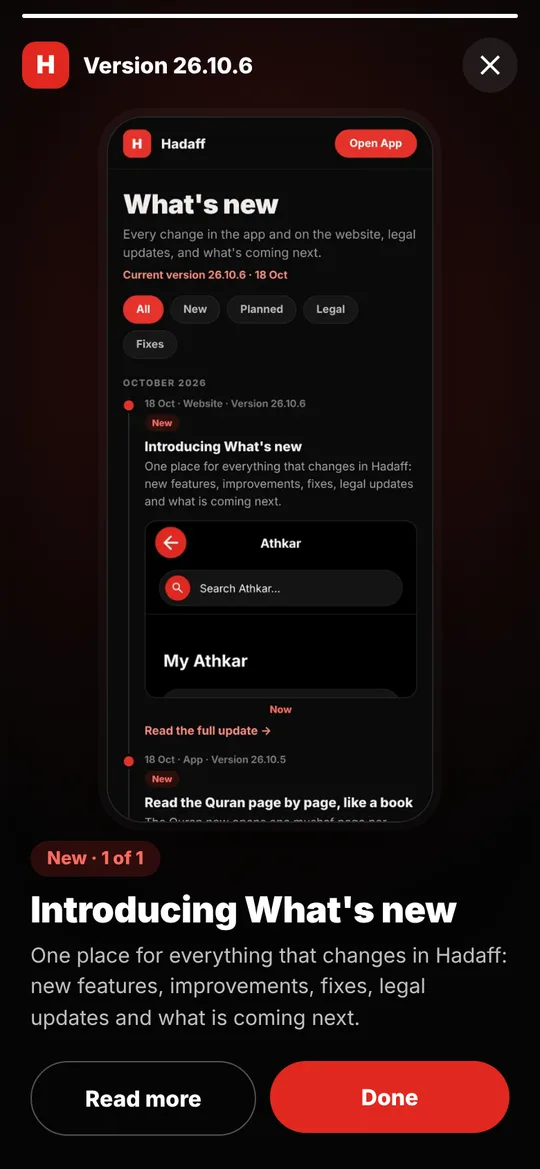
How it works:
- The first time you open the app after an update, the new features appear full screen, one after the other, each with a picture and a short explanation.
- Tap Next, or tap the right side of the screen, to move on. Tap the left side to go back.
- Read more opens the full article on hadaff.de in your language.
- You see each version only once. Close it any time with the X.
Missed it? Open Settings › Version and tap What's new to see it again.