What's new › New
New
Read the Quran page by page, like a book
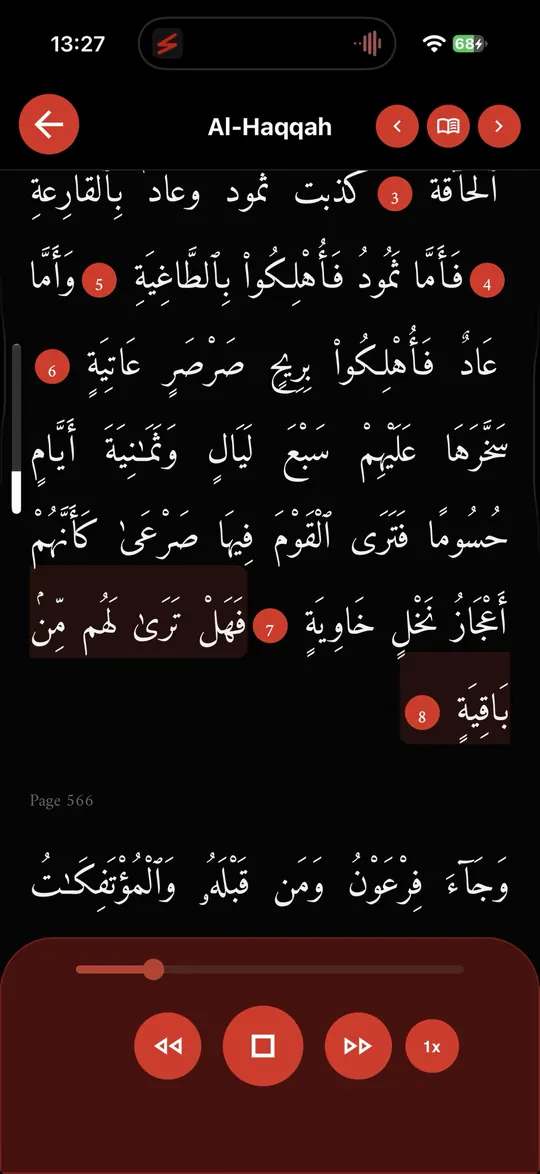
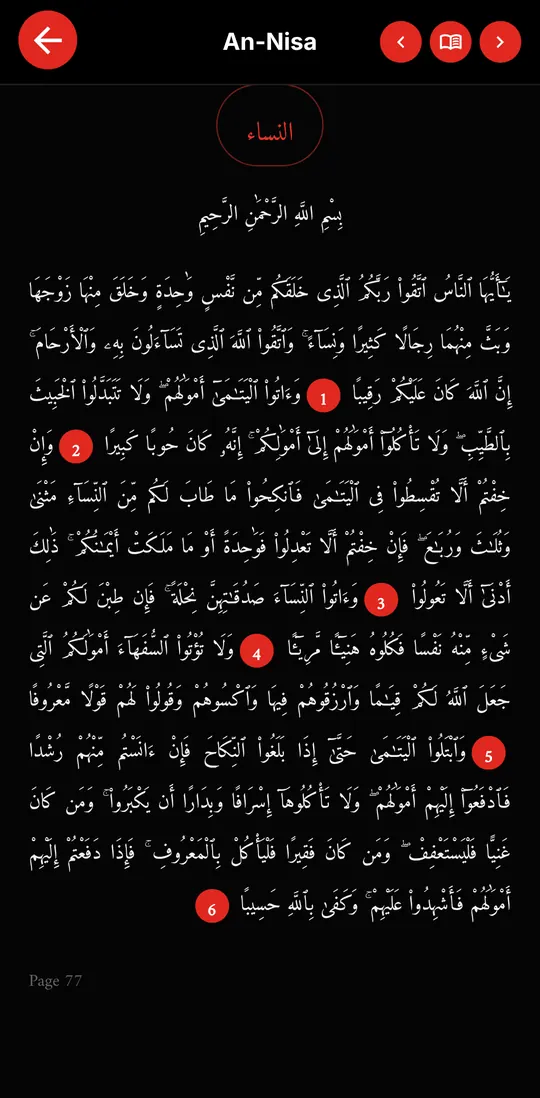
The Quran now opens one mushaf page per screen. Swipe to turn the page, from page 1 to page 604, without scrolling.
How it works:
- Swipe right for the next page and left for the previous one, just like turning the pages of a printed mushaf.
- Every page is always shown in full. The text size adjusts by itself so the whole page fits your phone, from small to large screens and when you rotate the phone.
- You can read straight across surahs: the end of one surah and the start of the next stay on the same page, with the surah name and Bismillah where a surah begins.
- The title at the top always shows the surah of the page you are on.
Everything else works as before: hold an ayah to open its menu, bookmarks, listening and saving your progress.
Prefer scrolling? Open Quran settings and choose View Mode › Reading (scroll).