What's new › New
New
Videos for you
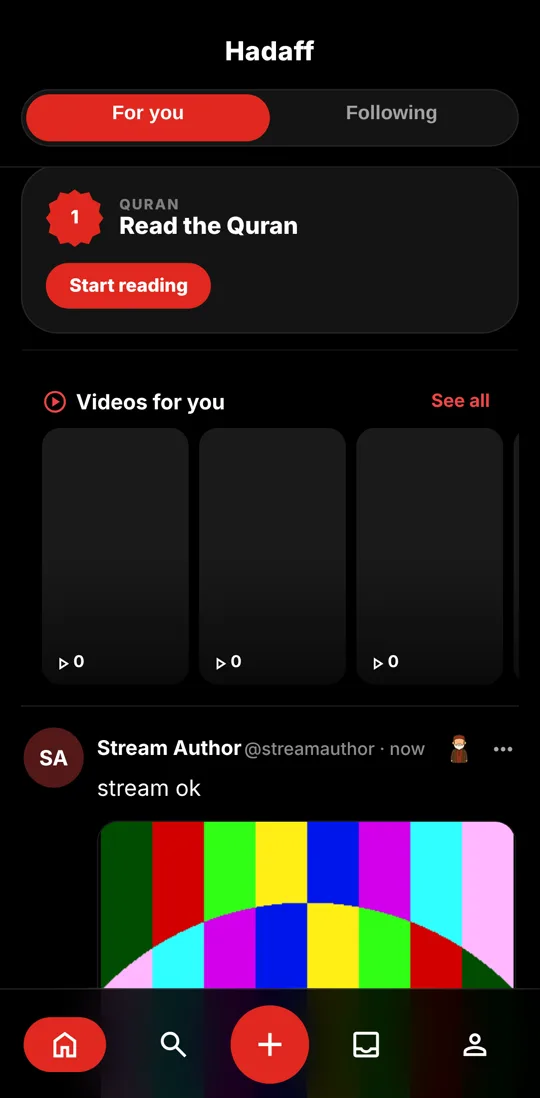
In the For you feed you now find a row of videos. Tap one and swipe through videos full screen, one after another.
How to use it:
- Scroll the For you feed: after a few posts a row "Videos for you" appears.
- Tap a video to watch it full screen, then swipe up for the next one. New videos keep loading as you swipe.
- "See all" starts from the beginning.
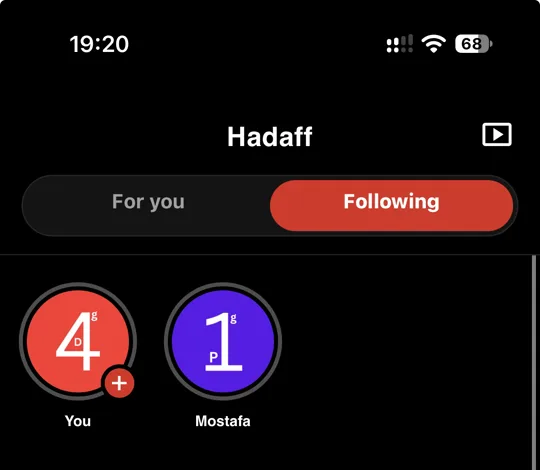
- The video button at the top of the home screen is gone; the videos are now right in your feed.